

4 min read
Almost every desk-buying regret is a sizing problem. And it's usually not the width.
Width mistakes are obvious and easy to picture in a room. The one that actually ruins the daily experience is depth, the front-to-back measurement, because it controls how far your monitor sits from your face. That one distance drives your neck, your eyes, and how tired you feel at 4pm.
Start With Depth, Not Width
Your screen should sit roughly an arm's length away, somewhere around 20 to 30 inches from your eyes. Closer and your eyes work harder to hold focus, which is most of what people call screen fatigue. Farther and you lean in, which pulls your head forward and loads your neck for hours.
Now do the math on a shallow desk. A monitor on a standard stand eats 6 to 9 inches of depth for the base alone. On a 22-inch-deep surface that leaves 13 to 16 usable inches, and your keyboard needs most of it. The screen ends up too close and there's nowhere to push it back.
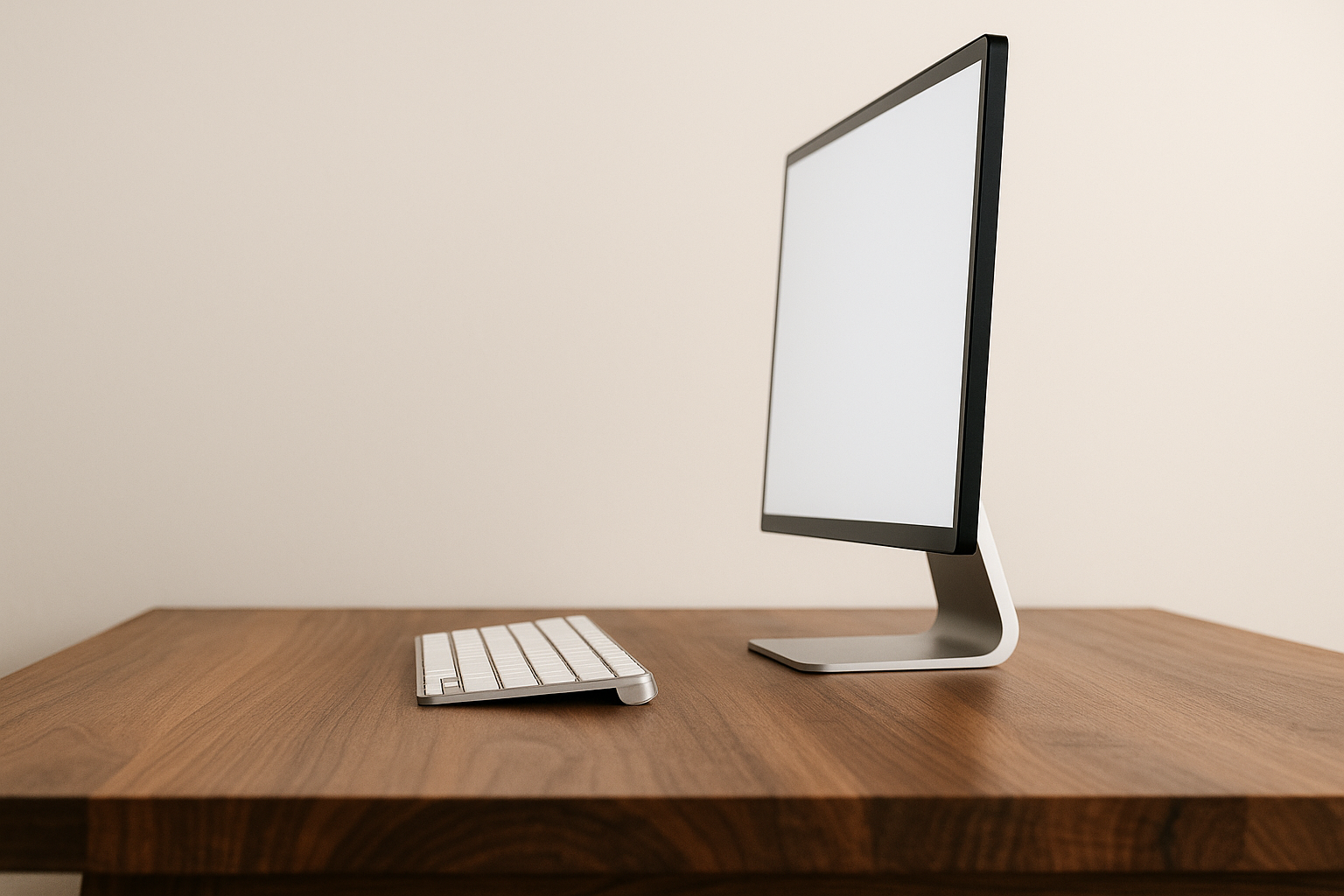
The floor: if you use a monitor, get at least 24 inches of depth. For a large monitor, an ultrawide, or two screens, 28 inches is where it stops feeling cramped.
The exception is laptop-only. There's no stand depth to account for and the screen sits right behind the keyboard, so 22 inches genuinely works. Just be honest with yourself about never adding a monitor later.
Then Width: Match It to Your Work
Around 36 inches fits a laptop, a notebook, and a coffee. It's a writing desk. It won't hold a monitor plus a separate keyboard, and it can't take a second screen.
Around 46 to 48 inches is the sweet spot for most home offices. One monitor centered, keyboard and mouse in front, real landing space on either side. This is the size most people should buy and the one most people underestimate.
Around 58 to 60 inches is for dual monitors, an ultrawide, or work that means spreading out. Two 24-inch monitors need roughly 42 to 44 inches by themselves, and you want margin past that.
Quick self-check: measure the widest thing going on the desk, add your keyboard and mouse zone, add 8 to 12 inches of breathing room. If that's bigger than the desk you were about to buy, believe the tape measure.
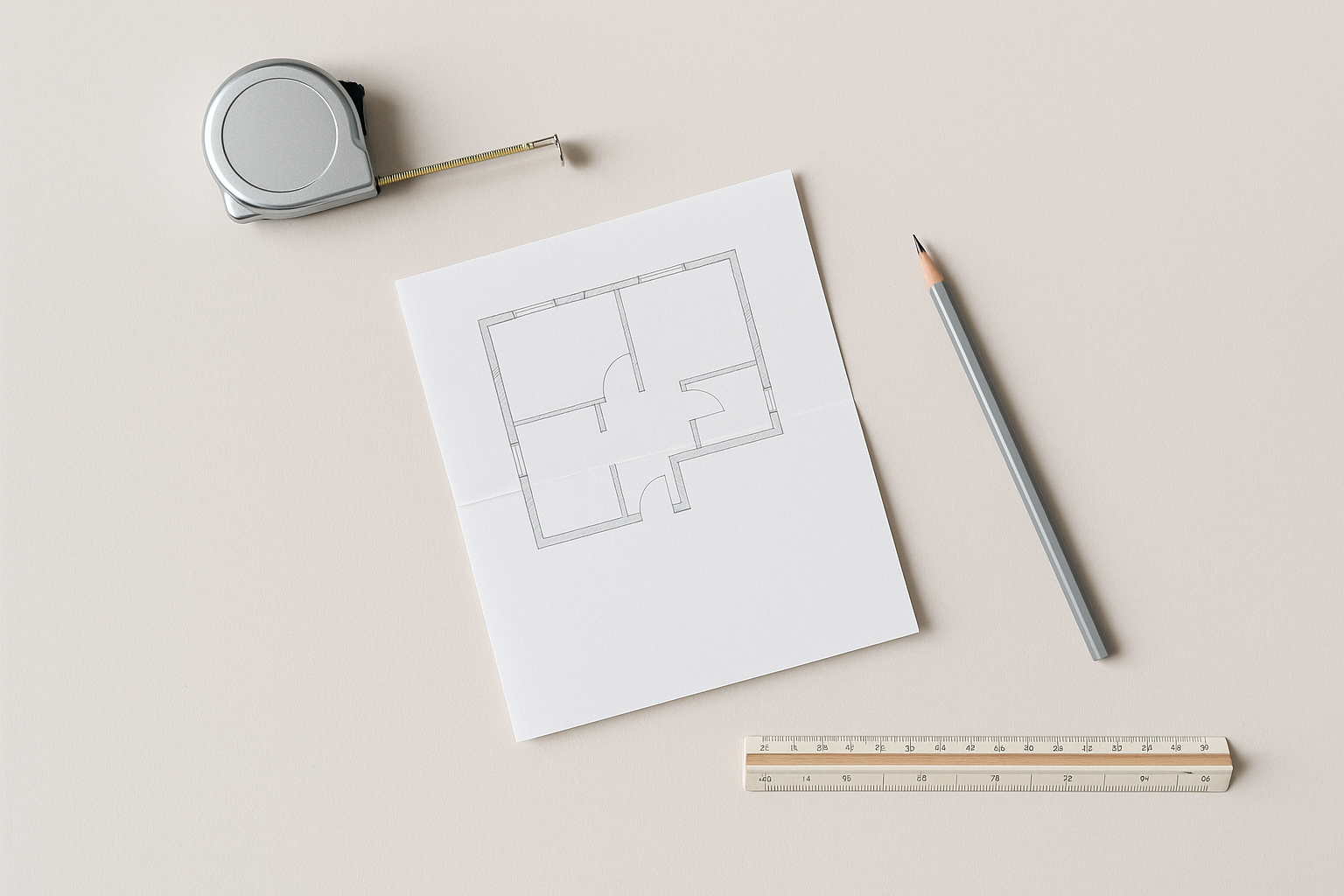
Measure the Room, Not Just the Desk
A desk that fits the wall doesn't necessarily fit the room.
Behind you: about 36 inches from the front edge to whatever's behind you, so you can push back and stand without a maneuver. Thirty is survivable. Under that and you'll shuffle sideways out of your own chair several times a day.
Beside the desk: any path someone actually walks needs 30 to 36 inches. This is where small-office plans fall apart. The desk fits the wall perfectly and turns the room into a hallway.
Also think about glare. A screen with a bright window directly behind it is a losing fight, and the fix is usually turning the desk 90 degrees, which changes which dimension has to fit.
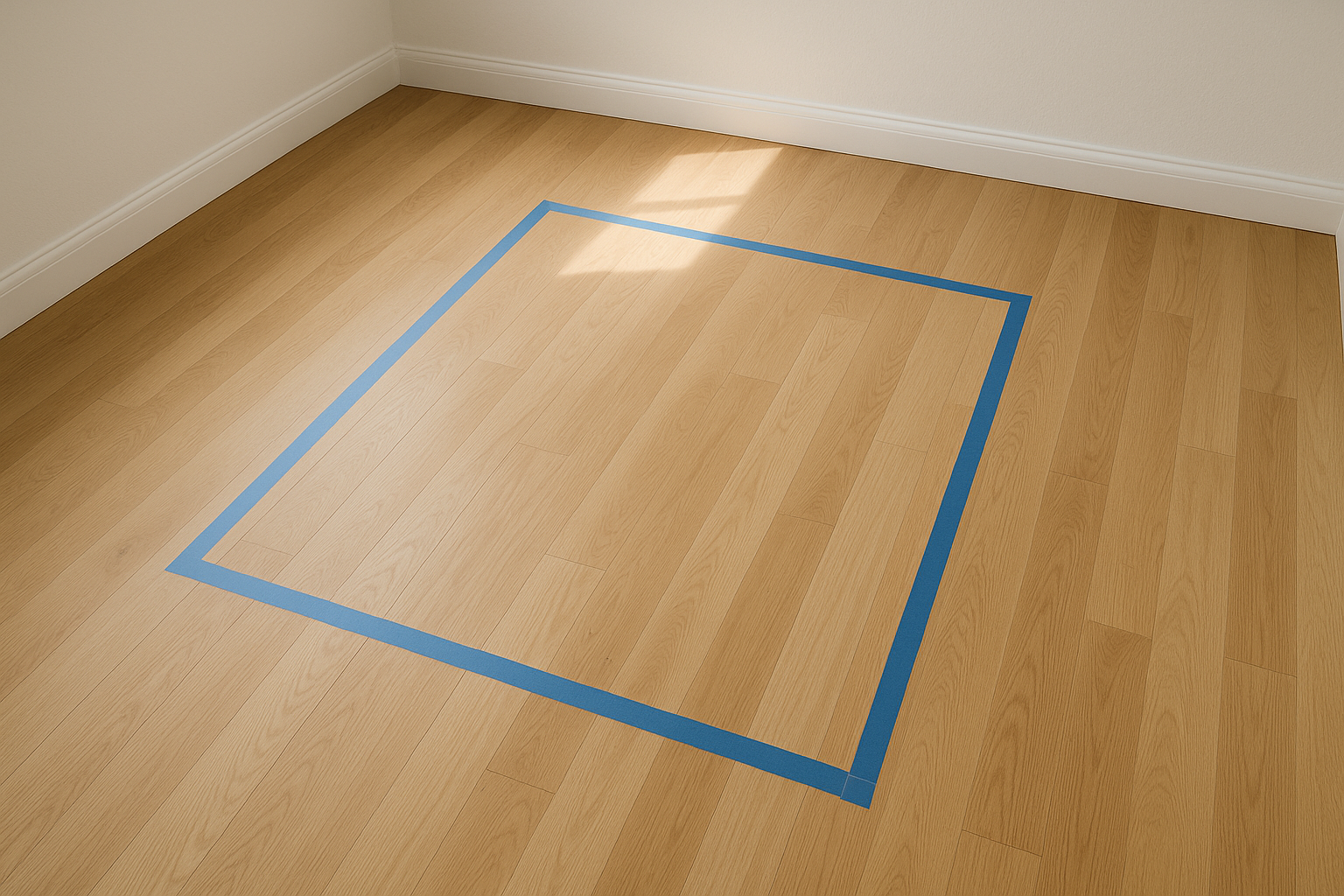
The cheapest version of this check is free: tape the footprint on your floor, leave it a day, walk around it. A size that looked obviously right on paper often feels wrong once it's outlined at your feet.
Standing Desks Change the Math
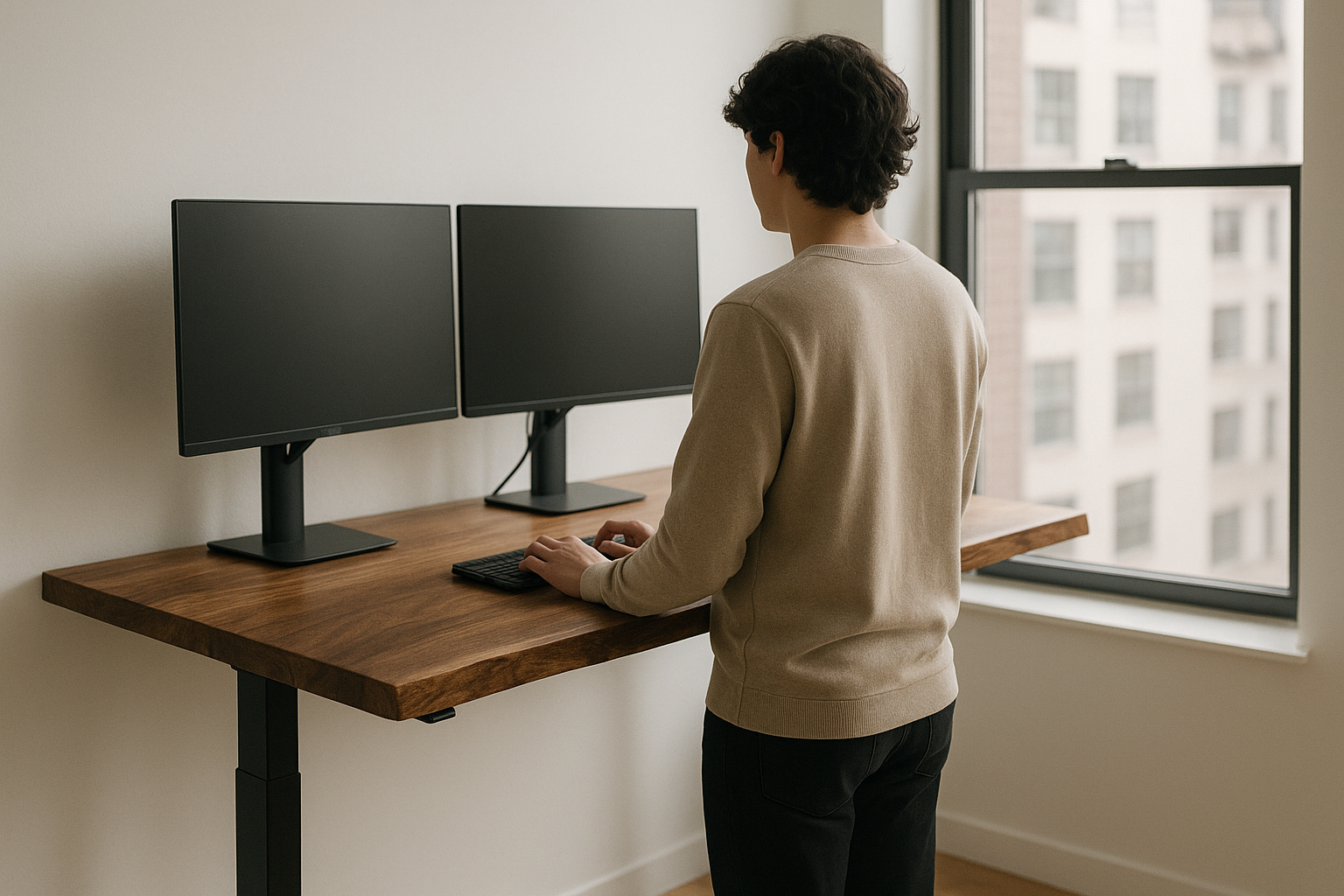
Depth matters more. Standing, you drift closer to the desk than you do sitting. A depth that was borderline seated becomes too close.
Stability scales with size. Wider tops flex more and wobble more at full height, which is where solid wood earns its keep over hollow-core. Our adjustable desks run a steel frame with 27.5 to 45.2 inches of travel, covering seated height for a short adult through standing for someone over six feet.
Cables need slack. The most common first-week complaint, and it's a setup problem, not a desk problem. Plug everything in with the desk at its highest point, then lower it. Do it the other way and you'll find out mid-call.
One note on our lineup: the adjustable desks come as 46x24 or 58x28. The 36x22 exists with fixed legs but not as a sit-stand, deliberately. A 36-inch surface at standing height starts to feel unstable, and we'd rather not sell that.
Two Mistakes Worth Avoiding
Buying for the room instead of the work. A desk that fits beautifully but can't hold your monitor at a comfortable distance is furniture, not a workstation. If the room truly can't take the depth, a monitor arm buys back four to six inches by deleting the stand.
Sizing for today only. Desks last a long time. If you might add a second monitor in the next couple of years, size for two now. Adding width later means buying a new desk.
The Short Version
- Laptop only, tight space: 36 to 40 inches wide, 22 deep.
- One monitor, typical home office: 46 to 48 wide, at least 24 deep. This covers most people.
- Two monitors or an ultrawide: 58 to 60 wide, 28 deep.
- Any standing desk: go one size up in depth, and plan cable slack at full height.
Whatever number you land on, tape it out before you buy. Five minutes with painter's tape has saved more desk purchases than any spec sheet.
Our desks come in 36x22, 46x24, and 58x28, with fixed hardwood legs, hairpin legs, or a height-adjustable frame. Every top is solid wood with a natural live edge, so no two are identical. Between sizes? Send us your room measurements and what's going on the desk.